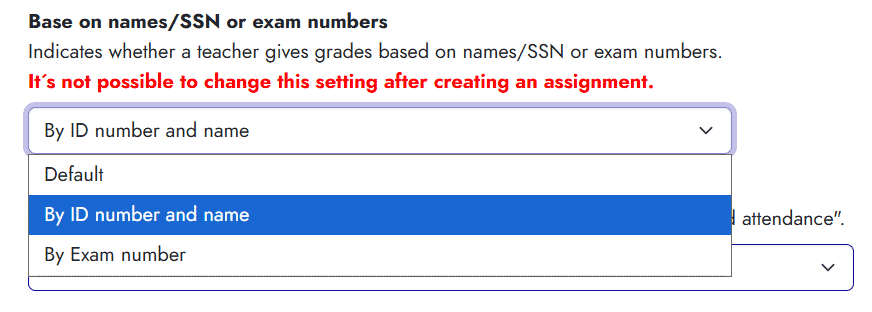
When entering final grades in Ugla, the system may display either student names and national ID numbers or exam numbers, depending on the settings. To display names instead of exam numbers, do the following:
Steps
- Find your course on the Ugla homepage, click the three-dot menu, and click Tools. You can also go to My Ugla in the left-hand menu and My Courses and click the title of the relevant course.
- Open Settings on the right, under Operations Teacher.
- Scroll down to Base on names/SSN or exam numbers.
- In the list, select By ID number and name.

- Click Save Changes at the bottom of the page.