Open the slides you plan to use in the meeting.
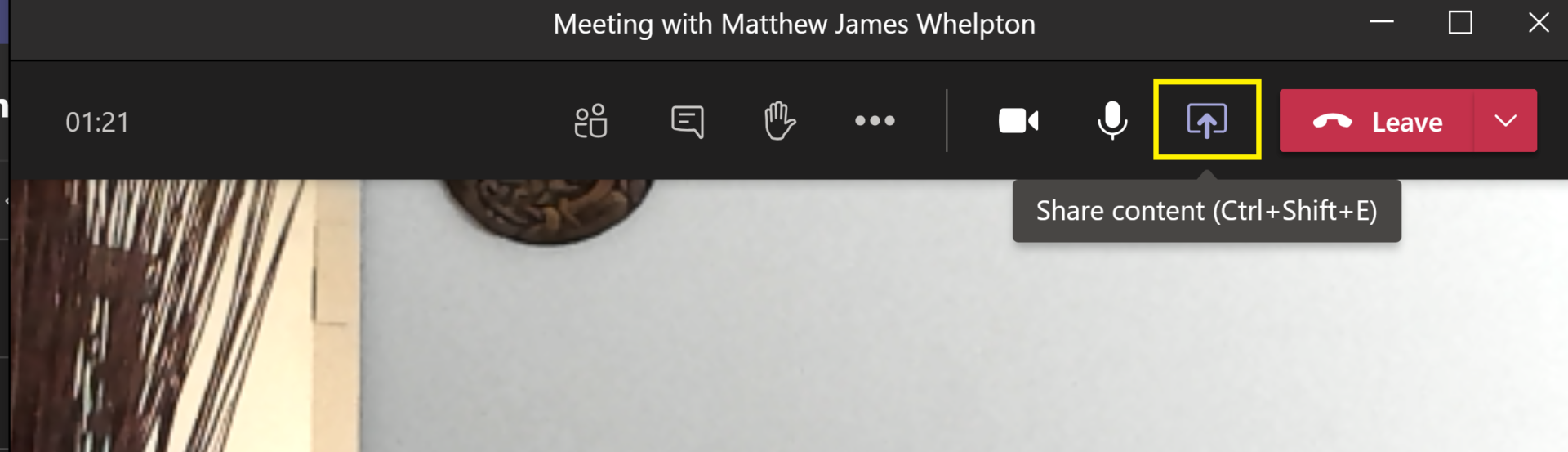
When everyone has joined the meeting, click Share content.

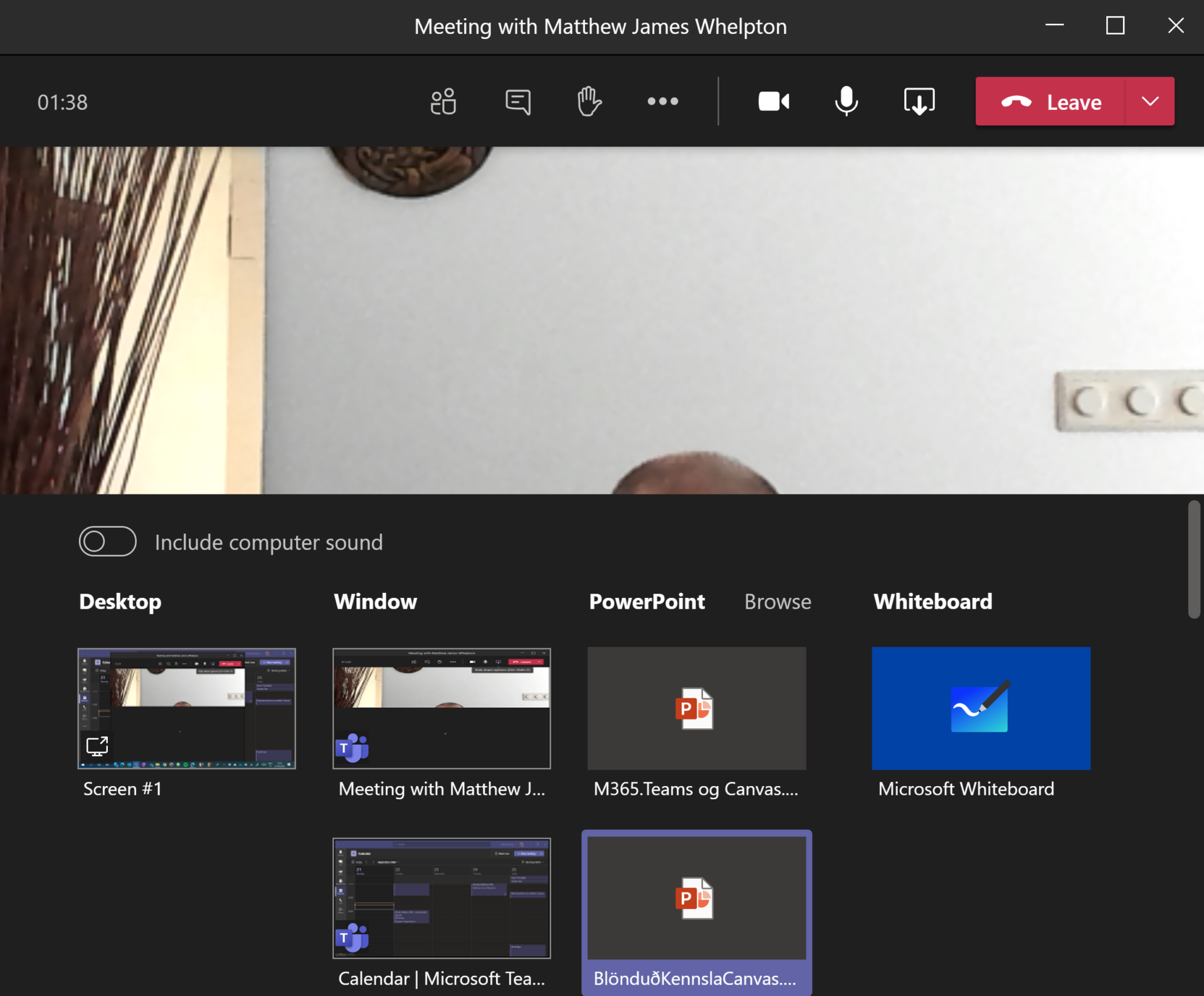
- Select the slides you want to share.

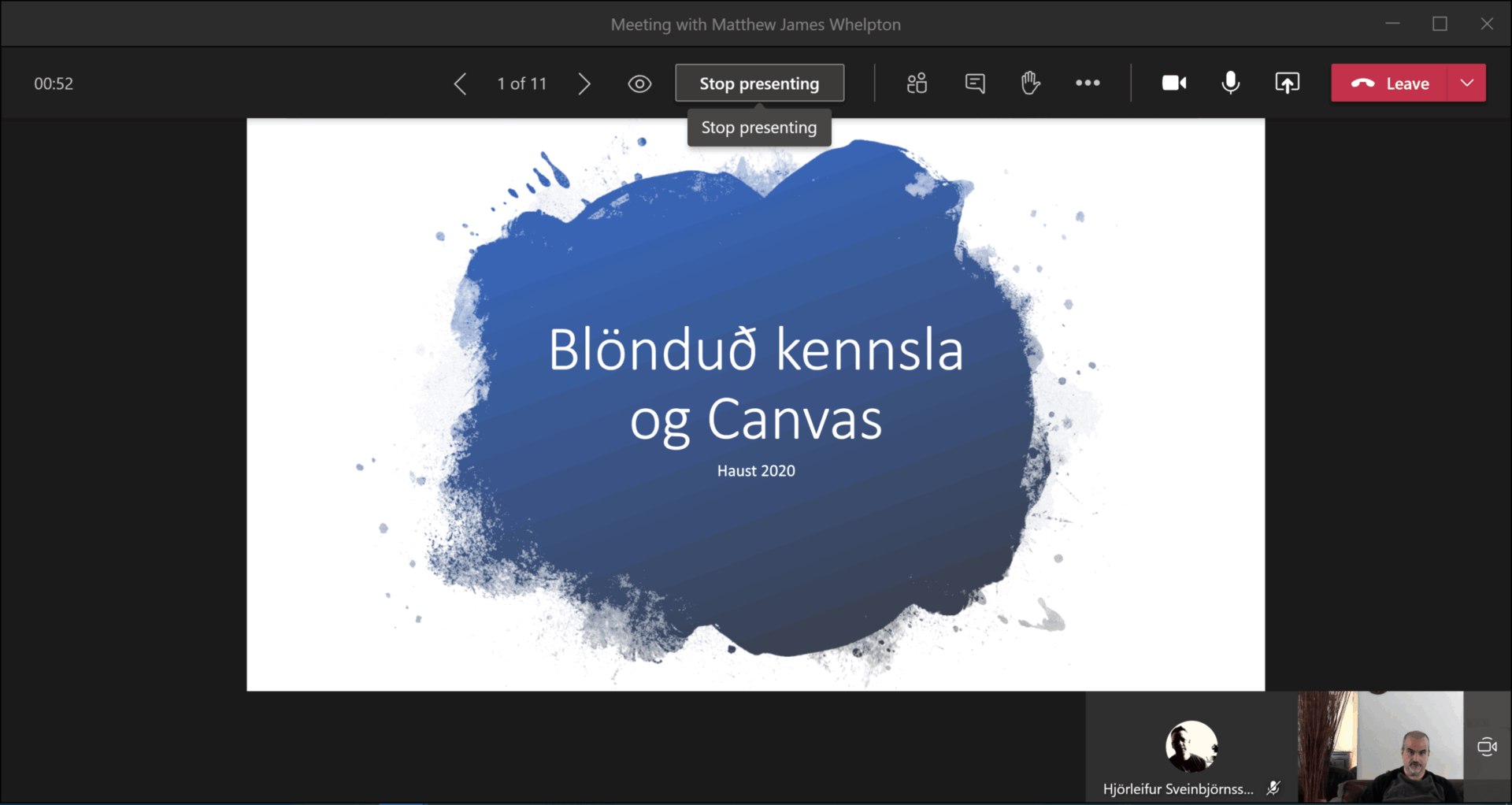
Move through the slides by clicking on the screen or by using the arrow keys on your keyboard.
Click Stop presenting at the top centre of the screen to stop the slide show.